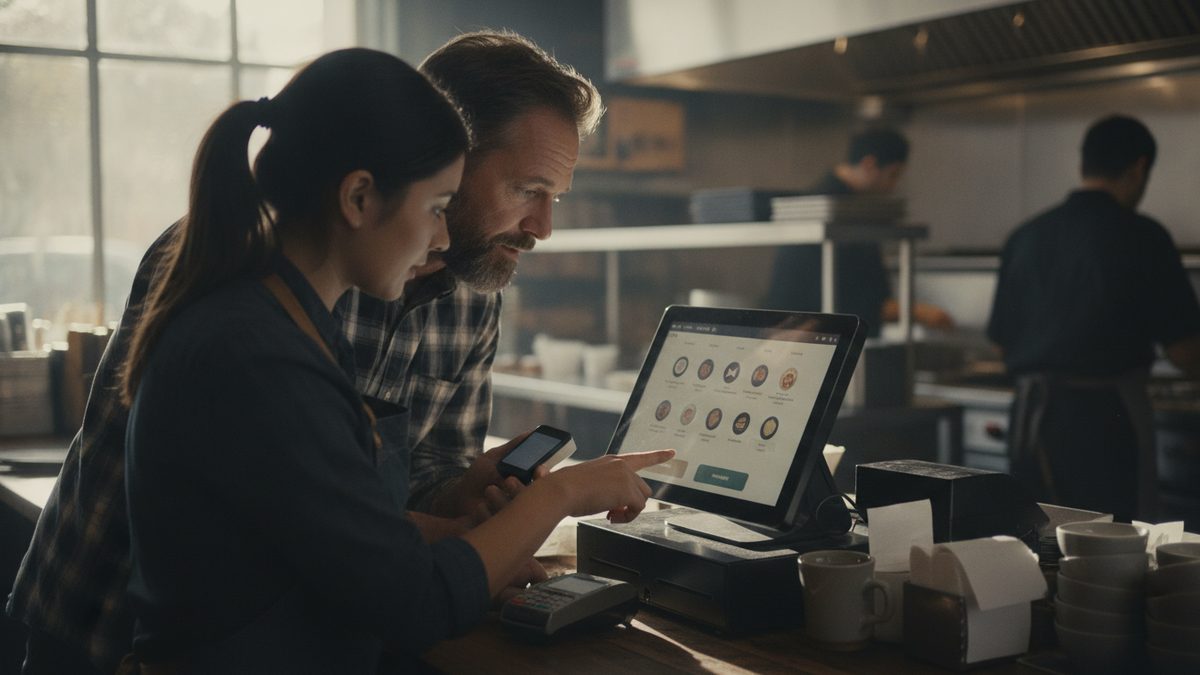
To set up split checks in your POS, enable seat numbers on every table, train servers to ring items by seat, and turn on three split modes: by item, by seat, and evenly by guest count. Add a policy for large parties so the system handles requests in seconds instead of forcing servers to rebuild tickets by hand at the end of the meal.
Why split checks deserve a setup plan
Few things slow a server down like a table of eight that wants eight separate checks after the meal. Each manual split can take three to five minutes, which adds up to lost table turns and frustrated guests. If your POS handles splits cleanly, you turn tables faster and reduce errors that cause comps and voids. For more on turn speed, see How to Improve Table Turnover Time.
Step 1: Know the split types
| Split type | How it works | When guests ask |
|---|---|---|
| By seat | Items assigned to seat numbers print separate checks | Coworkers, friends dining out |
| By item | Server drags items onto new checks | Mixed groups, shared appetizers |
| Evenly | Total divided by number of guests | Families, celebrations |
| By amount | Guest pays a set dollar amount, others cover the rest | Gift cards, partial payments |
| Multiple tenders | One check paid with several cards or cash | Couples, groups |
Your system should support all five, and servers should know which to use.
Step 2: Turn on seat numbers
Seat numbers are the single biggest time saver. Ring each order by seat from the first drink, and the split takes one tap at the end. Set your floor plan so each table shows its seat count, and require a seat number for any table over four guests. See How to Set Up Table Management and Floor Plans in Your POS.
Step 3: Set your policies
Decide in advance and put it in writing:
- Maximum number of checks. Many restaurants cap it at six to eight per table, with larger parties on a single check plus an automatic gratuity.
- Auto-gratuity. For parties of six or more, add 18-20% and split it fairly across checks. Make sure the policy is posted on the menu and covered in your tip reporting setup.
- Shared items. Divide shared appetizers evenly across seats instead of assigning them to one person.
- Discounts and comps. Decide whether a promotion applies to the original check or each split check.
Takeaway: Ring by seat from the first order and agree on a large-party policy before the rush, and splitting stops being a problem.
Step 4: Handle payments cleanly
Make sure your payment terminals or handhelds let guests pay at the table, so servers do not walk back and forth. Pay-at-the-table also reduces card handling risk; see How to Set Up Pay at the Table for Your Restaurant and Handheld POS and Tableside Ordering. Confirm that each split check can take a tip separately and that the totals reconcile to the original sale at close.
Cobblestone POS supports seat-based ordering, item-level splits, and multi-card payments in a free, all-in-one system built for independent restaurants, so you can offer flexible checks without paying a monthly fee or add-on module.
Step 5: Train and test
Run a role-play at your next pre-shift meeting. Give each server a mock table of six and ask them to split it three ways with a shared appetizer and a gift card. Time it. Anyone over 60 seconds needs another practice round. Review your staff training approach to make this part of onboarding for new hires.
Step 6: Audit for mistakes
Split checks are a common source of errors and fraud, such as items moved to a different check and then voided. Run a weekly report on voids and comps tied to split tickets. See How to Track Voids, Comps and Discounts in Your POS and How to Prevent POS Fraud and Errors.
A good guest-facing line
Train servers to ask early: "Will this be together or separate?" Asking at the start of the meal lets them ring by seat from the beginning and avoids the dreaded request when the table is ready to leave. Guests appreciate the foresight, tip better for the smoother experience, and your staff spends its time on service instead of on rebuilding the bill.
Quick troubleshooting checklist
If totals do not match after a split, check for open items without a seat, modifiers that did not follow the item, and discounts applied before the split. Fixing those three issues resolves the majority of mismatches.