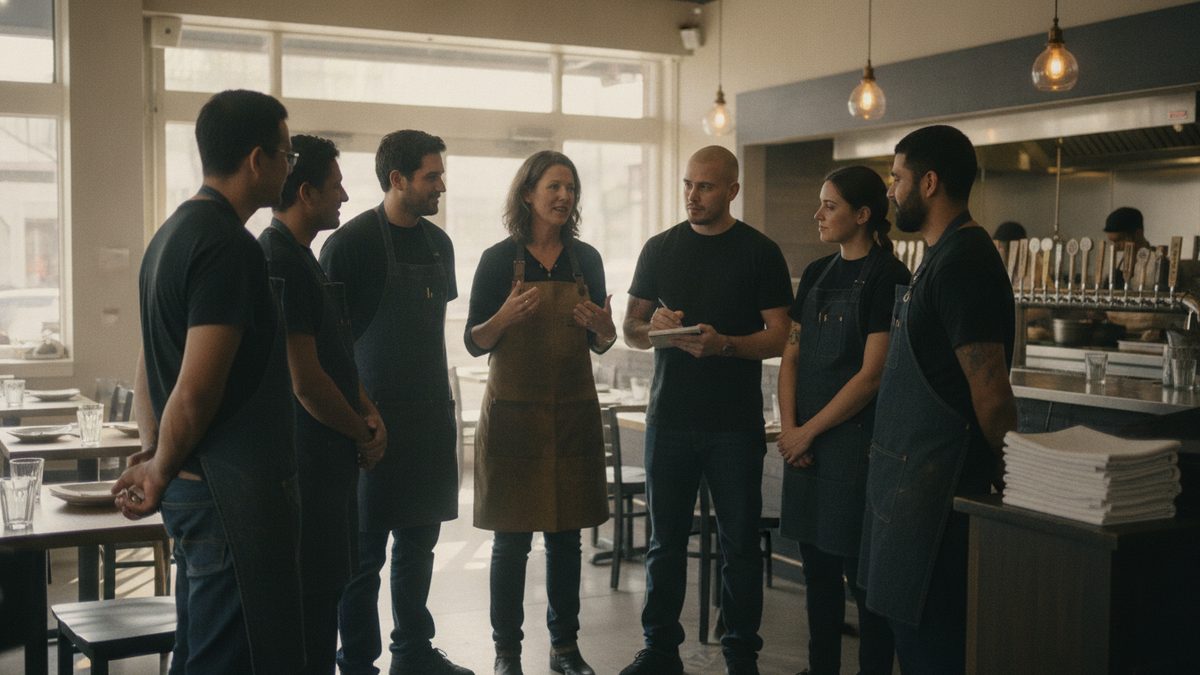
An effective restaurant pre-shift meeting runs 5-10 minutes, covers the same short list every time — specials, 86'd items, reservations or VIPs, one focus point, and a quick team win — and happens standing up, right before doors open, so it stays sharp instead of turning into a rambling staff meeting.
Why pre-shift meetings usually fail
Two failure modes show up constantly: either the meeting doesn't happen at all because the shift is chaotic, or it happens but drags for 20 minutes covering things that should've been an email, and staff mentally check out halfway through. Both leave the floor and kitchen unaligned right when a rush is about to start.
The five things worth covering, every single time
1. Specials and 86'd items
Say them out loud, don't just post a sheet — servers retain spoken information better right before a shift than something they skimmed on a clipboard.
2. Reservations and VIPs
A quick heads-up on a large party, a regular's birthday, or a food critic reservation lets the floor prepare instead of getting surprised.
3. One focus point
Pick a single thing to improve today — upselling a specific dessert, faster table turns, or checking in on drinks more often. One focus point sticks; five competing priorities don't.
4. Anything that changed since yesterday
A new POS feature, a menu price change, a policy update — say it once, clearly, so nobody finds out mid-service from a confused guest.
5. A quick team win
Thirty seconds recognizing a specific thing someone did well yesterday sets a better tone than starting with problems.
A sample 8-minute agenda
| Time | Item |
|---|---|
| 0:00-1:00 | Team win / good news |
| 1:00-3:00 | Specials, 86'd items, changes |
| 3:00-5:00 | Reservations, VIPs, large parties |
| 5:00-7:00 | Today's one focus point |
| 7:00-8:00 | Questions, quick huddle break |
Takeaway: A pre-shift meeting that covers the same five things in under 10 minutes, every day, beats an occasional 30-minute meeting that tries to cover everything at once.
Keep it standing, keep it consistent
Meetings that happen sitting down tend to run long. A standing huddle near the pass or host stand, at the same time before every shift, trains staff to expect it and show up ready — which also makes it easier to fold in quick training moments tied to Onboarding New Hires the Right Way for anyone still new.
If your team is spread across multiple shifts or locations, a scheduling tool that lets you post the day's specials and 86 list directly to staff phones — like Cobblestone POS's built-in messaging alongside its scheduling tools — means the pre-shift meeting reinforces what's already visible, rather than being the only place information lives. See Scheduling Software for Restaurants Compared for how that fits into a broader labor tech stack.
Use the worksheet below as a printable agenda template — fill in the five sections before each shift so the meeting stays tight even on your busiest, most chaotic days.
Bottom line
Pre-shift meetings work when they're short, consistent, and cover the same five things every time. Consistency, not length, is what makes a team walk onto the floor aligned instead of guessing.
Common questions
How long should a pre-shift meeting be? Ten minutes is the ceiling. Two minutes on the numbers, three on the specials and 86'd items, three on the reservation book and VIPs, two on one service skill. Anything longer becomes a lecture.
Who should run it? The manager on duty, not the owner. Rotating the meeting to a lead server or sous chef once a week builds the bench and keeps the format fresh.
Pre-Shift Meeting Agenda Template