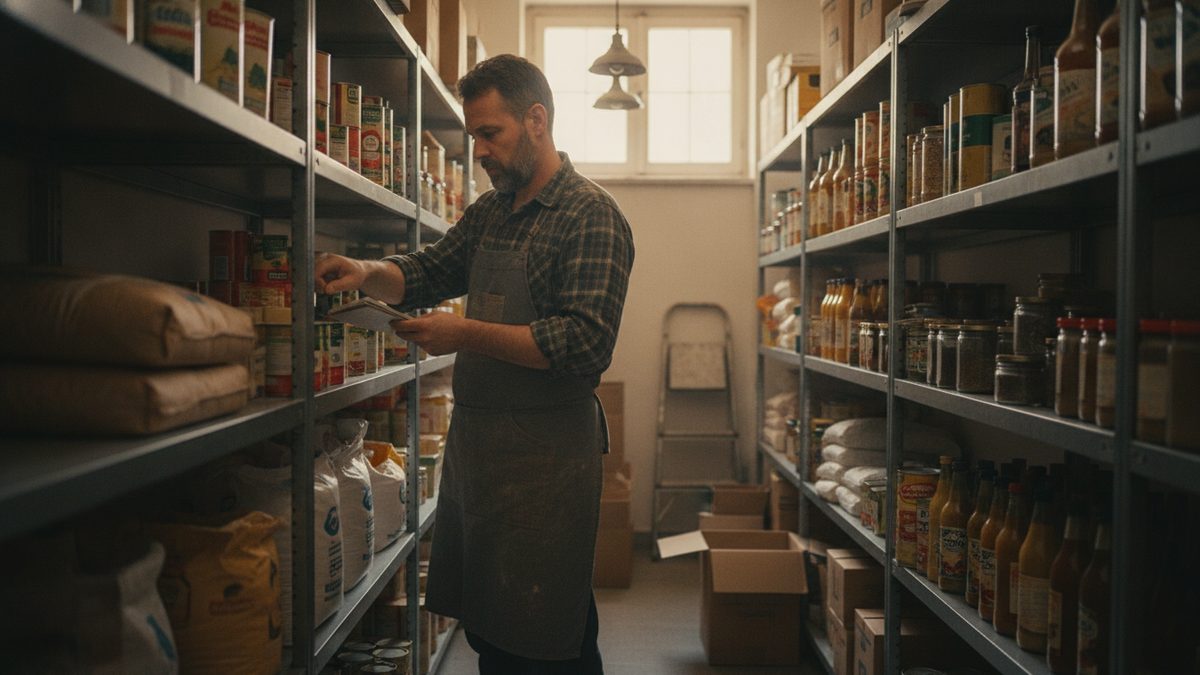
To do a year-end restaurant inventory count, pick a count date as close to December 31 as you can, freeze deliveries and transfers, count every item by unit, multiply by its latest cost, and total the result by category. That ending inventory value feeds your cost of goods sold and your balance sheet, so accuracy here directly affects your taxes and your true profit for the year.
Why the year-end count matters
Your cost of goods sold equals beginning inventory plus purchases minus ending inventory. If ending inventory is overstated, profit looks higher and you pay more tax; understated, the reverse. Your accountant needs this number, so do it before they ask. Review how to calculate cost of goods sold and year-end tax planning for restaurant owners.
Plan it 2 weeks ahead
- Choose a time when the restaurant is closed or slow, ideally the night of December 31 or the morning of January 1.
- Tell vendors not to deliver during the count.
- Recruit two-person teams: one counts, one records.
- Print count sheets in storage order (walk-in, dry storage, freezer, bar), not alphabetical.
If you already do a weekly count, see how to do a weekly inventory in under an hour; the year-end version is the same process with a stricter valuation.
Step-by-step process
- Clean and organize storage so everything is visible and labeled.
- Count by the purchase unit (cases, bags, pounds) and note partial units as fractions.
- Include everything you own: food, beverage, paper goods, chemicals, and prepped items.
- Exclude items you do not own, such as consignment goods, and spoiled or expired stock.
- Record cost per unit from your latest invoices.
- Extend the value: quantity times unit cost.
- Total by category and reconcile with your books.
Example valuation
| Category | Quantity | Unit cost | Value |
|---|---|---|---|
| Beef (lb) | 120 | $7.50 | $900 |
| Produce (cases) | 14 | $32.00 | $448 |
| Liquor (bottles) | 85 | $22.00 | $1,870 |
| Paper goods (cases) | 20 | $41.00 | $820 |
| Total | $4,038 |
The worksheet on this page does the multiplication and totals for you.
Common problems
Count errors cluster in a few places. Partial bottles get skipped, so weigh or estimate tenths. Prepped items such as sauces and stocks are forgotten, so list them. Costs go stale, so always use the most recent invoice price, not what you paid last spring. For tracking the big swings afterward, use understanding food cost variance reports and compare theoretical vs actual food cost.
A year-end count is not busywork. It is the only way to know what you actually made, and the number your accountant and the IRS both rely on.
Make next year easier
Counting by hand once a year is painful; counting a little every week is easy. Cobblestone POS ties sales and inventory together with no monthly fee, so depletion tracking gives you a running estimate of what should be on the shelf, and your year-end count becomes a check instead of a scramble. Compare that with systems that run about $470 a month before inventory add-ons. If you are shopping, see inventory software that integrates with your POS.
Year-end count checklist
- Set the count date and notify vendors
- Print sheets in storage order
- Assign two-person teams
- Count, cost, and extend every item
- Send the total and category breakdown to your accountant
- Save the sheets for your records
Free Year-End Inventory Valuation Worksheet (Excel).