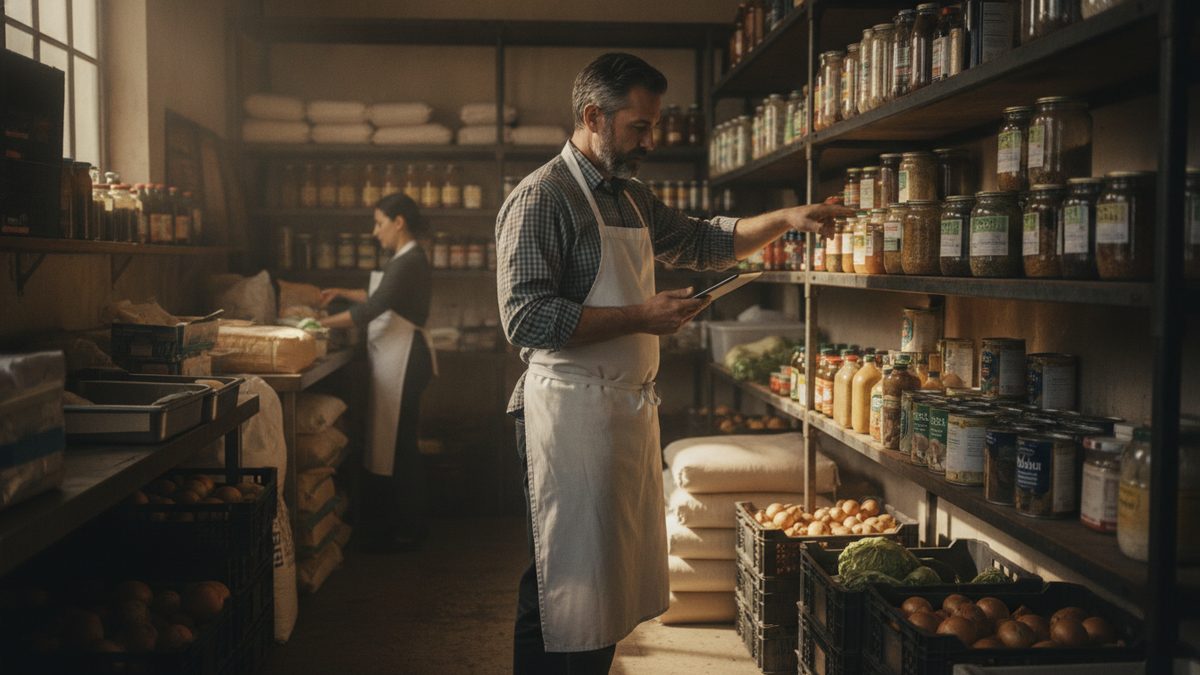
To do a restaurant inventory count the right way, count the same items in the same order at the same time every period, record quantities in consistent units, and multiply each count by its unit cost to get a dollar value. Accuracy beats speed: a rushed count that's off by 10% makes every food cost number you calculate afterward wrong.
Why the count matters more than you think
Your inventory value feeds directly into your Cost of Goods Sold, which drives your food cost percentage and your prime cost. If the count is sloppy, so is every decision built on it. A disciplined count also surfaces theft, spoilage, and over-ordering while they're still small problems.
How often to count
There's no single right answer, but here's a practical guide:
| Count type | Frequency | What it covers |
|---|---|---|
| Full inventory | Weekly or monthly | Every item in the building |
| High-value spot count | Weekly | Proteins, liquor, seafood |
| Key-item count | Daily | Your 10 most expensive or theft-prone items |
Most well-run independents do a full count weekly. Monthly is too slow to catch a problem before it eats a month of margin.
The step-by-step process
- Organize your storage first. Group like items together on shelves in the same order as your count sheet. If the sheet follows the walk, you count faster and skip nothing.
- Count when the restaurant is closed or slow. Mid-service counts are always wrong because product is moving.
- Use two people when you can. One counts, one records. It's faster and cuts transcription errors.
- Count in consistent units. Decide whether flour is counted by the bag, the pound, or the case — then always use that unit. Mixing units is the number-one source of errors.
- Weigh open containers. A half-full tub of dressing isn't "one." Tare the container and weigh the contents, or estimate to the nearest quarter.
- Record as you go. Don't rely on memory between the walk-in and the office.
- Extend the values. Multiply each quantity by its current unit cost. This is where a spreadsheet or your POS earns its keep.
Consistency matters more than perfection. A count that's always done the same way — even with small rounding — gives you a reliable trend. A "perfect" count done differently each week tells you nothing.
Common mistakes that wreck your numbers
- Changing the count order so items get missed or double-counted.
- Using outdated unit costs. Prices drift; refresh them from recent invoices.
- Ignoring back stock in dry storage, the office, or a second walk-in.
- Forgetting prep and par items like sauces and stocks made in-house.
Let your POS do the heavy lifting
Manual counts are necessary, but the math and the price updates don't have to be. A modern system keeps unit costs current from your vendor invoices and extends the count for you. Cobblestone POS reads vendor invoices automatically and updates your cost of goods, so when you enter a count your inventory value and food cost recalculate instantly — no separate spreadsheet, no stale prices. Its AI assistant, Daisy, can even flag when an item's usage looks off versus sales. It's a free, all-in-one platform built for independent restaurants, which is why owners are leaving pricier systems (Toast runs $470+/month) behind.
Turn the count into action
A count is only valuable if you use it. Every period, compare your usage to sales and to the prior period. If a high-value item is disappearing faster than sales explain, you've found a leak. Pair this with a food cost audit and you'll catch problems while they're cheap to fix.
Count faster with the free Inventory Count Sheet (Excel).