Restaurant cost of goods sold (COGS) equals your beginning inventory, plus purchases during the period, minus your ending inventory. If you started the month with $12,000 of food and beverage, bought $38,000 more, and ended with $11,000 on the shelves, your COGS is $39,000. Divide that by sales for the same period to get your COGS percentage, which for most full-service restaurants lands between 28% and 35%.
The COGS formula, with an example
COGS = Beginning inventory + Purchases - Ending inventory
| Line | Food | Beverage | Total |
|---|---|---|---|
| Beginning inventory | $9,000 | $3,000 | $12,000 |
| Plus purchases | $30,000 | $8,000 | $38,000 |
| Minus ending inventory | $8,200 | $2,800 | $11,000 |
| COGS | $30,800 | $8,200 | $39,000 |
| Sales | $98,000 | $32,000 | $130,000 |
| COGS % | 31.4% | 25.6% | 30.0% |
Keeping food and beverage separate matters, because drinks usually have a much lower cost percentage and blending them hides problems in either one.
What to include in purchases
Count everything you bought to sell or to make what you sell: food, beverages, and often packaging for takeout, plus freight or delivery charges that your supplier bills on the invoice. Leave out equipment, cleaning supplies, uniforms and smallwares, which belong in other expense lines. Whatever you choose, apply it the same way every month so your trends are comparable. If you are still building your books, see setting up a chart of accounts for restaurants.
Why the ending inventory number matters most
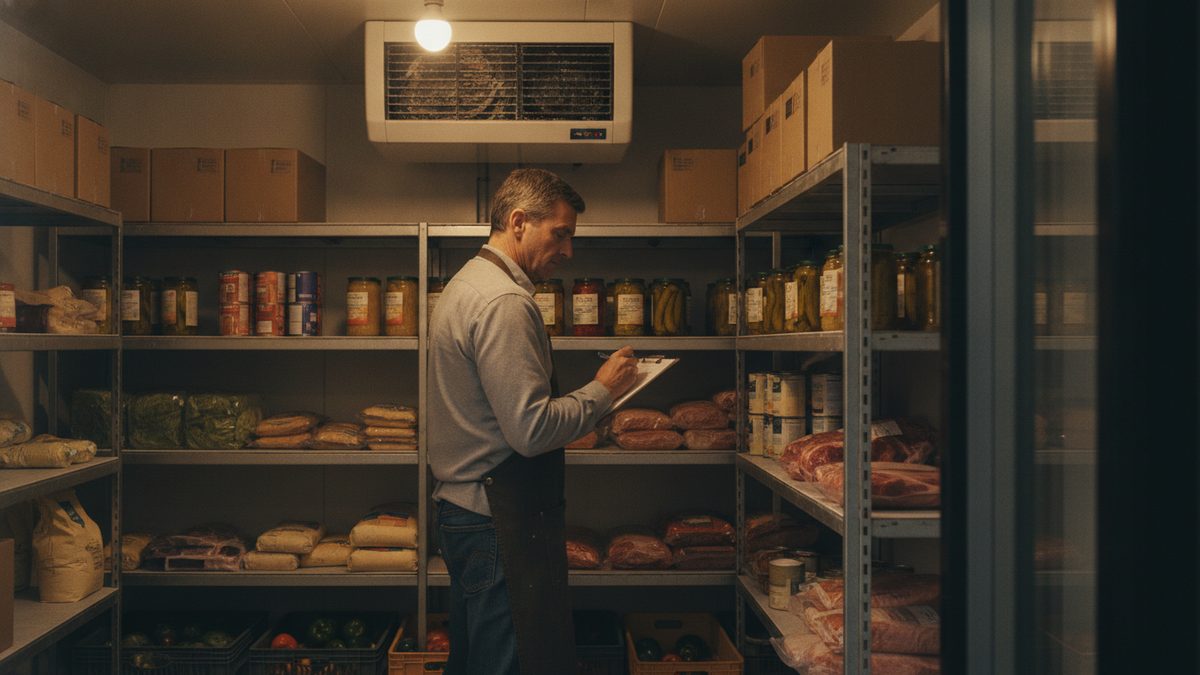
COGS is only as accurate as your counts. A $2,000 counting error moves your COGS by $2,000, which can swing the percentage by more than a point. Count on the same day and at the same time every period, preferably after close, and value items at your latest invoice cost. Our guides on the right way to count inventory and a weekly inventory in under an hour make this routine.
COGS tells you what you spent. Comparing it to what you should have spent tells you what you lost.
COGS vs. food cost percentage vs. prime cost
These terms are related but not identical.
- COGS is a dollar amount for the period.
- Food cost percentage is food COGS divided by food sales. See how to calculate food cost percentage.
- Prime cost adds labor to COGS, and is the number most owners watch to keep margins healthy. See understanding prime cost.
Compare actual COGS to theoretical COGS
Actual COGS comes from the formula above. Theoretical COGS comes from your recipes: what every dish sold should have cost. The gap between them is waste, over-portioning, theft and errors. If the gap is more than two or three points, dig into it with theoretical vs. actual food cost and a waste log.
How often to calculate COGS
Monthly is the minimum, because it matches your P&L. Weekly is better, because a problem caught in week one costs a quarter of what it costs by month's end. Weekly COGS requires a weekly count, so limit it to your top 30 to 40 costliest items (proteins, dairy, alcohol) and do the full count monthly.
Use your POS to make it easier
Your POS knows what you sold, and that is half of the calculation. Pull sales by category for the exact same dates you counted inventory so the percentage is honest. Cobblestone POS has free reporting that breaks sales out by category and an AI assistant, Daisy, you can ask for the numbers, with no monthly fee. Paid systems at roughly $470 a month charge extra for the same reports.
Quick takeaways
- COGS = beginning inventory + purchases - ending inventory.
- Track food and beverage separately.
- Count at the same time every period and value at current cost.
- Compare actual COGS with theoretical COGS to find leaks.
- Use the free calculator to do the math and see your percentage.
Free Restaurant COGS Calculator (Excel).