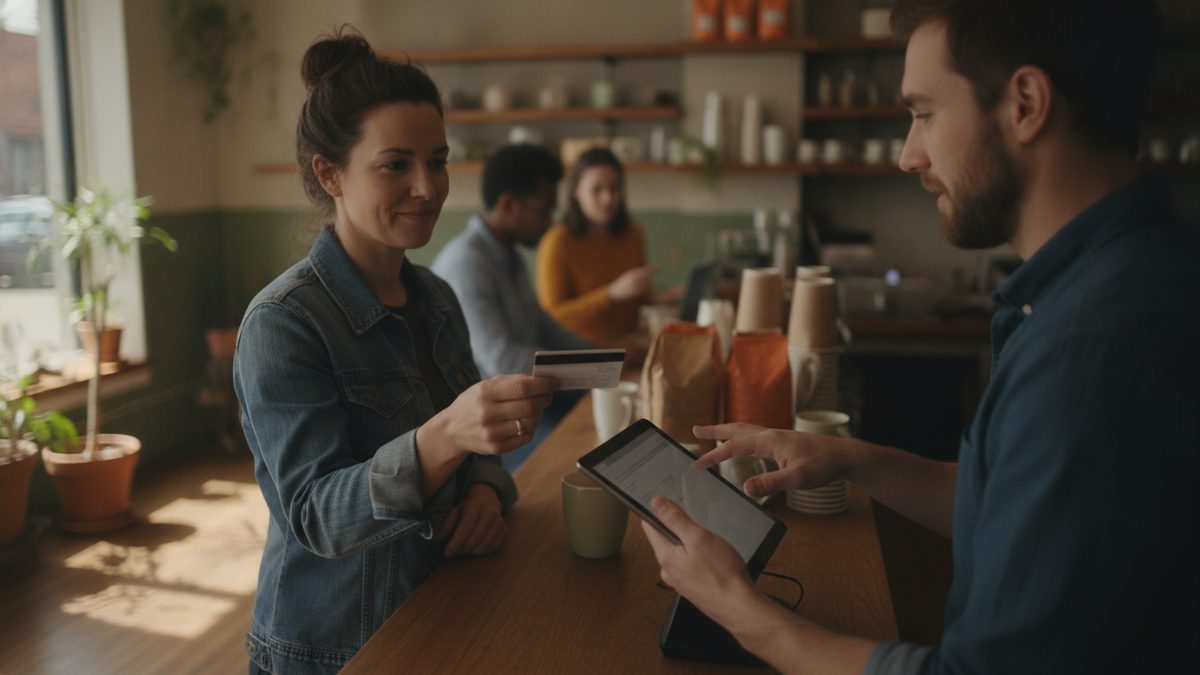
To set up a loyalty program in your POS, pick a simple reward structure (points per dollar or a visit-based punch card), decide the reward value so it costs you 3-5% of sales, turn on customer capture at checkout, and train staff to ask for a phone number on every order. A POS with loyalty built in links the reward to every ticket automatically, so there are no paper cards to lose and no separate app to pay for.
Why build loyalty into the POS
A standalone loyalty app means a second system, a second monthly bill, and a second report. When loyalty lives in your POS, the guest's phone number is attached to the order, the reward applies at payment, and your sales reports show how loyal customers behave compared with everyone else. For background on the strategy side, read Running a Restaurant Loyalty Program and Restaurant Loyalty Apps and Tools.
Step 1: Choose your structure
| Structure | How it works | Best for | Watch out for |
|---|---|---|---|
| Points per dollar | 1 point per $1, reward at 100 points | Higher-check restaurants | Guests forget how many points they have |
| Visit-based | Free item after 8 visits | Coffee, quick service, lunch | Rewards small checks the same as big ones |
| Tiered | Better perks at higher spend | Full-service, bars | More to explain and maintain |
| Spend-and-get | $10 off after $100 spent | Simplicity and clarity | Feels less personal |
Pick the one a guest can explain in one sentence.
Step 2: Set the reward so the math works
Aim for a reward worth 3-5% of what the guest spends. If points are earned at 1 per dollar and a $5 reward costs 100 points, that is a 5% return, but your real cost is the food cost on the reward, often only 30% of its menu value, so the true expense is about 1.5% of sales. Reward items with high margin and low cost, such as a dessert or a drink, instead of cash off the whole check.
Step 3: Configure the program
- Enter your point rate and the reward thresholds.
- Set the reward items or discount amounts and mark any exclusions (alcohol, gift cards, catering).
- Set expiration. Twelve months of inactivity is common and fair.
- Turn on phone-number lookup at the register, on handhelds, and in online ordering so every channel earns points.
- Add a welcome bonus, such as a free appetizer after the first visit, to encourage sign-up.
Cobblestone POS includes loyalty in its free plan, with online ordering that also earns points and no monthly fee, so you can launch without buying another subscription. Compared with Toast at roughly $470 a month and up, the savings alone can fund the rewards.
Takeaway: Keep the program simple, price rewards at about 3-5% of spend, and capture a phone number on every order.
Step 4: Train your team
Sign-ups rise or fall with the staff. Give servers and cashiers a short script: "Are you in our rewards program? You'll get a free dessert after your fourth visit." Set a weekly sign-up goal and recognize the top performer. Use your pre-shift meeting to share the numbers. Offer a small bonus per sign-up if participation lags.
Step 5: Promote it
Add a counter card, a line on receipts, a QR code on table tents, and a banner on your website and Google Business Profile. Send a text or email to your existing contacts announcing the launch. See Text Message Marketing for Restaurants for compliant messaging.
Step 6: Measure results
Track these four numbers monthly:
- Enrollment rate: members divided by total checks. Aim for 30-40% within three months.
- Repeat rate: share of members who return within 30 days.
- Average check: member checks versus non-member checks.
- Redemption cost: value of rewards as a percentage of sales.
If members are not visiting more or spending more, adjust the reward or the threshold. Use the same data to build win-back offers; see How to Win Back Lost Customers.
Common mistakes
Making the reward too hard to reach, hiding sign-up behind an app download, and forgetting to include online orders are the three biggest causes of low participation. Fix those first before changing the discount itself. A good loyalty program should quietly lift repeat customers month after month with very little daily effort.