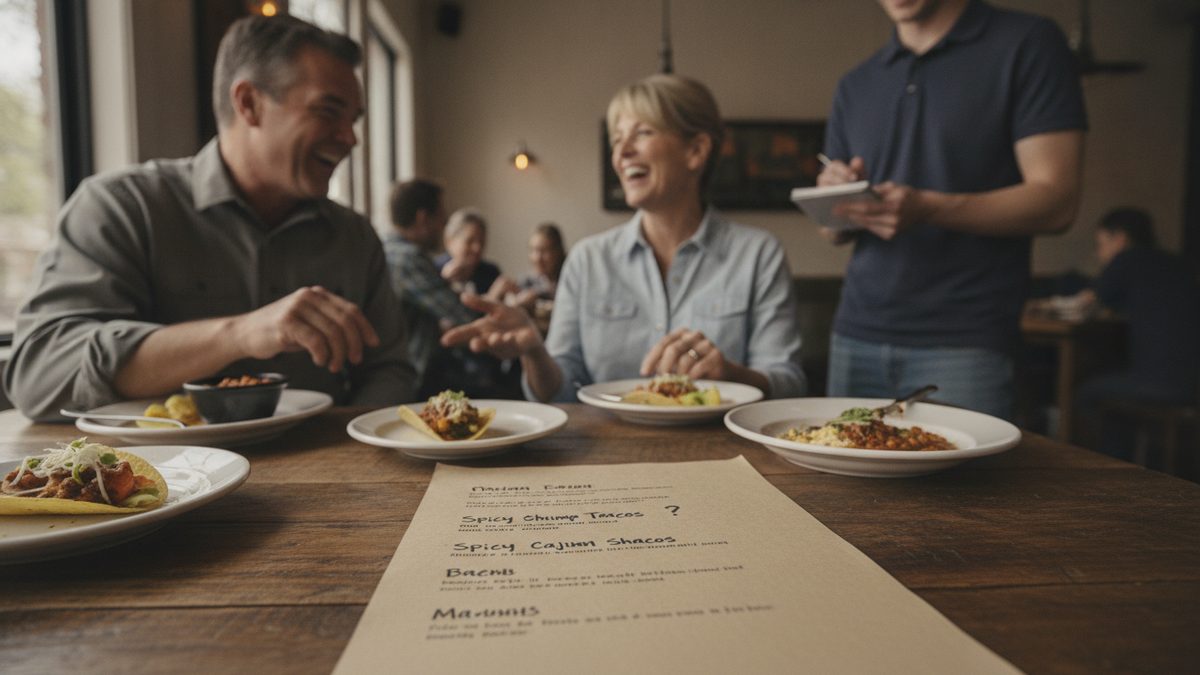
Test a new menu item before you print it by running it as a limited special for one to three weeks, tracking how it sells, what it costs, and how it slows the kitchen — then decide with numbers, not a hunch. A permanent menu spot means new inventory, new prep, and new line steps forever, so the whole point of a test is to fail cheaply before you commit expensively.
Why testing beats guessing
A dish you love can still be a business mistake. It might sell fine but crush your food cost. It might carry great margin but sit for a week because guests don't understand it. It might sell and profit but blow up your ticket times during a rush. You can't see any of that from the test kitchen — only real service tells you. Testing as a special lets you learn all of it while you can still walk away with zero sunk cost.
The five things every test must measure
Before you launch a trial, decide what "success" looks like. A good test tracks all five of these, not just whether people ordered it.
| Metric | What it tells you | Rough pass bar |
|---|---|---|
| Units sold / day | Real demand | Beats your slowest keeper |
| Food cost % | Whether it's affordable | At or below menu target |
| Contribution margin $ | Actual dollars earned | Beats the item it might replace |
| Ticket-time impact | Kitchen strain | No meaningful slowdown |
| Guest & staff feedback | Fixable problems | Mostly positive, repeat orders |
The scorecard worksheet above walks you through each of these and gives the dish a go/no-go score.
Run the test in stages
1. Cost it first. Before it ever hits a plate, cost out the recipe and set a target price. If the numbers don't work on paper, they won't work in service.
2. Soft-launch as a special. Feature it as a daily or weekly special, not a menu addition. Specials let you set a price, pull it instantly, and see genuine demand without a reprint.
3. Give staff the pitch. Your servers are your test instrument. Brief them at the pre-shift meeting on how to describe and recommend it, so weak sales mean weak demand — not a dish nobody mentioned.
4. Track every plate. Ring it in as its own POS item so you get clean unit counts, revenue, and modifier data. Guessing from memory is how bad items survive.
5. Watch the line. Stand in the kitchen during two rushes. If the new item consistently backs up a station, that's a real cost even if it sells well.
Read the results honestly
Takeaway: A menu item earns a permanent spot only when it clears all five bars — demand, food cost, margin, kitchen speed, and feedback. Test it cheap as a special, measure it for real, and let the numbers make the call.
Sort your trial dishes into three buckets. Winners clear every bar — add them and consider what weaker item they replace. Fixers have one problem — reprice, re-portion, or re-describe and run a second short test. Losers miss on demand or margin — thank them and move on. The discipline is in actually retiring the losers instead of adding them anyway because you're attached.
Let your POS run the experiment
Clean test data is the whole game, and it lives in your point-of-sale. Cobblestone POS lets you spin up a special, track its units, revenue, and margin against the rest of the menu, and pull the results in a few clicks — free, with no monthly fee versus roughly $470+/mo for a comparable Toast plan. Ask its built-in AI assistant, Daisy, how last week's special performed and you'll have your answer before the next print run.
Make testing a habit, not a one-off. Every seasonal change and menu redesign should start with a few dishes on trial, so your permanent menu is only ever made of proven winners.
Score every trial dish with the free Menu Item Test Scorecard (Excel).