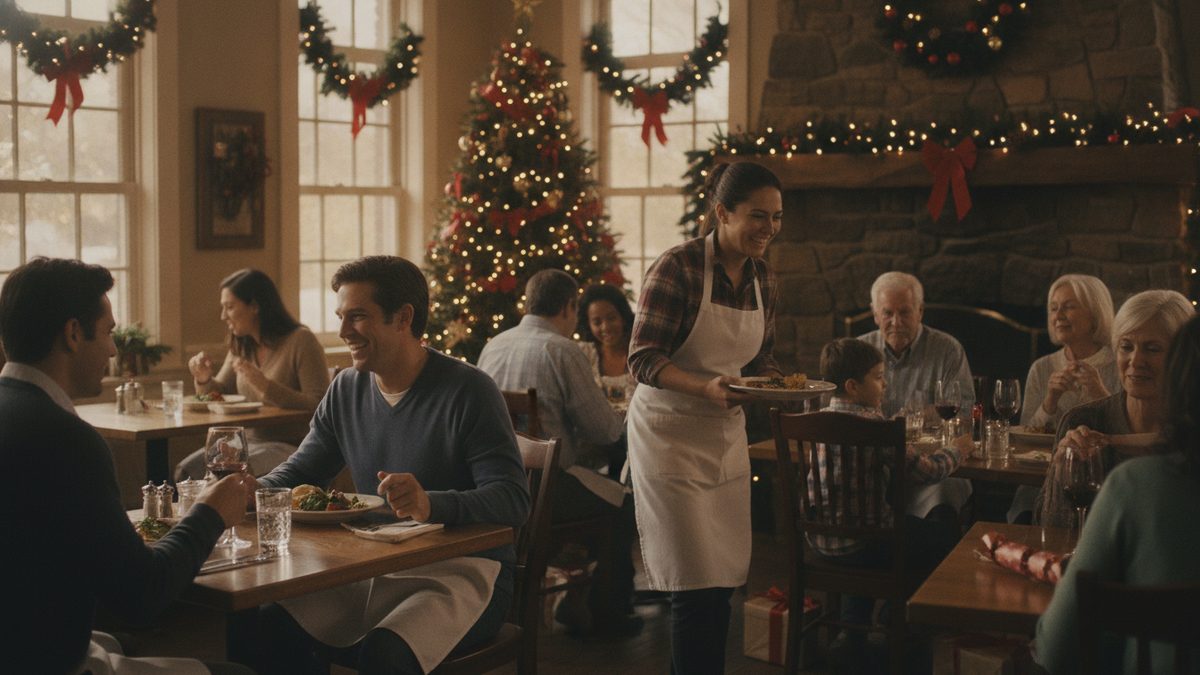
To plan Christmas Eve and Christmas Day service, decide by early November whether opening will beat closing after labor and holiday pay, then lock a limited or prix fixe menu, require reservations with a deposit, schedule volunteers first, and order ingredients on a tight forecast. Christmas Eve is often a busy early-evening service, while Christmas Day is either a premium-priced event or a day your team earns off. Both can work if you choose deliberately.
Step 1: Decide whether to open
Run the numbers before the emotion. Estimate covers, average check, and food cost, then subtract labor with holiday premiums and the extra waste risk. Closing has value too: a rested staff and loyal employees.
| Item | Open (example) | Closed |
|---|---|---|
| Projected covers | 90 | 0 |
| Average check | $68 | n/a |
| Revenue | $6,120 | $0 |
| Food cost (32%) | $1,958 | $0 |
| Labor with 1.5x pay | $1,650 | $0 |
| Other variable costs | $400 | $0 |
| Contribution | $2,112 | $0 |
If the contribution after a fair look at fixed costs is thin, closing, or opening only Christmas Eve, may be smarter. Review your holiday pay policy first, and announce your decision with your holiday hours.
Step 2: Shrink the menu
A limited menu speeds the kitchen and cuts waste. Aim for 6 to 8 entrées plus a few starters and desserts, or a prix fixe menu with 2 to 3 choices per course. Premium pricing is expected on holidays; guests are paying for the occasion. Reuse ingredients across dishes, and pull from your holiday menu work. Watch proteins closely using holiday protein cost control.
Step 3: Take reservations and deposits
Walk-ins make a limited holiday menu hard to forecast. Open reservations in mid-November, set time slots that stagger your kitchen, and collect a deposit per guest, often $15 to $25, credited to the bill. This cuts no-shows, which are painful on a night you cannot resell tables. See managing reservations and no-shows.
Step 4: Staff fairly and early
Ask for volunteers before assigning anyone. Offer premium pay, a staff meal, or a guaranteed day off later. Schedule your strongest cooks and servers and keep it to the covers you booked, not the covers you hope for. Publish the schedule by early December. Cross-trained staff help cover call-outs; see cross-training staff and plan a backup for bad weather call-outs.
Step 5: Order and prep tightly
Build prep sheets from reservation counts plus a small buffer for walk-ins. Confirm deliveries, since vendors close or change windows around the holiday; place orders early and ask about the last delivery date. Use a prep list with par amounts so you avoid dumping unsold product on December 26.
Step 6: Offer to-go and gift cards
Not everyone wants to dine out. A Christmas Eve to-go feast, with pre-orders closing a few days early, adds revenue with lower labor. Sell gift cards through the season, since many go unredeemed or bring guests back in January's slow stretch (plan for it with a January slow-season budget).
Day-of checklist
- Walk the floor plan and confirm table counts match reservations.
- Brief the team on the menu, allergens and timing.
- Test printers and card readers before doors open.
- Keep a manager free to float and handle problems.
- Capture guest emails for the new year.
Christmas service pays when it is planned like an event: a decision made early, a short menu, deposits, volunteers on the schedule, and an order sized to real reservations.
Make the night smoother with your POS
Pre-set a holiday menu, mark items 86'd instantly and route tickets cleanly. Cobblestone POS is a free, all-in-one POS for independent restaurants with commission-free online ordering for your to-go feast, scheduling and loyalty tools included, and no monthly fee, versus about $470 a month for Toast. Set it up before the rush, not during it.