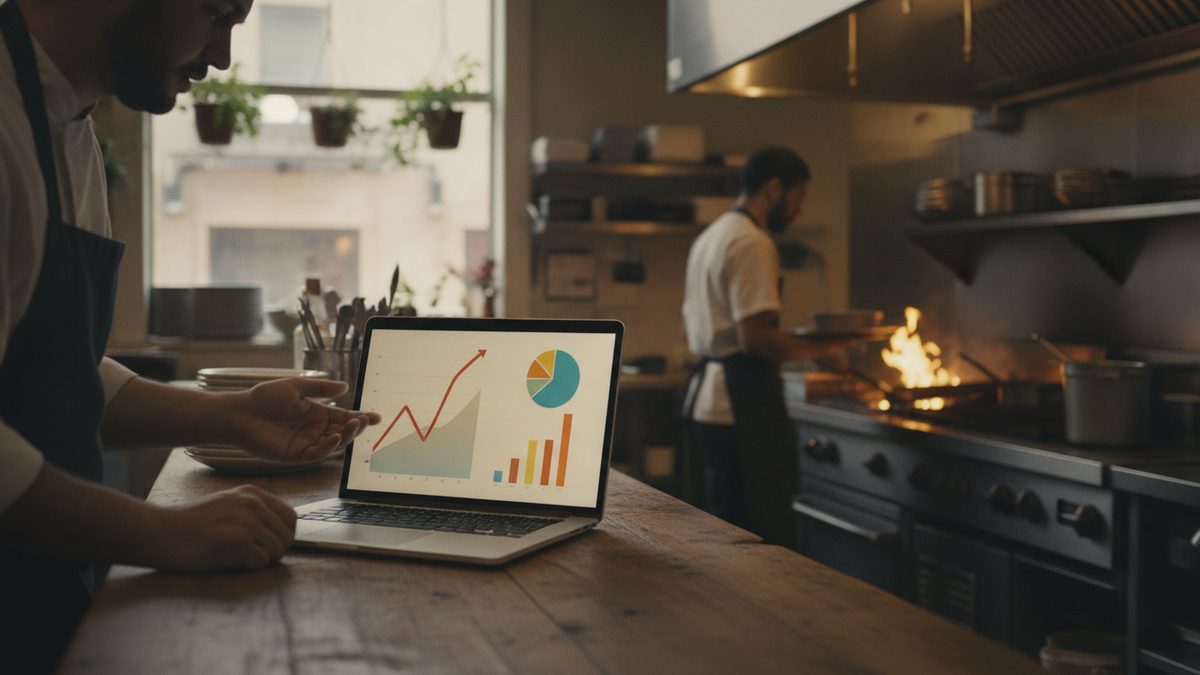
The best analytics and reporting tools for restaurant owners are the ones built into a modern POS, because they pull live sales, labor, and menu data with no manual entry. The reports that actually move the needle are daily sales, sales by item, labor as a percent of sales, and voids and discounts. If your current system makes you export spreadsheets and stitch numbers together by hand, you are paying for a cash register, not an analytics tool.
The reports that actually matter
You do not need forty dashboards. You need a handful of numbers you check on a rhythm and act on. Everything else is noise until you have these under control.
| Report | What it tells you | How often to check |
|---|---|---|
| Daily sales vs. forecast | Are you on pace for the week and month | Daily |
| Sales by menu item | What sells, what to push, what to cut | Weekly |
| Labor % of sales | Whether you are overstaffed or short | Daily / per shift |
| Voids and discounts | Errors, comps, and possible theft | Weekly |
| Sales by daypart | Where to add or trim hours | Monthly |
| Average check | Whether upselling and pricing are working | Weekly |
The trap owners fall into is measuring everything and changing nothing. Pick the top four, review them on a set day each week, and write down one action per review.
What to look for in a reporting tool
A reporting tool earns its keep when it removes work, not adds it. Look for live data straight from the POS, mobile access so you can read the numbers from anywhere, and comparisons built in so you can see this Tuesday against last Tuesday without a calculator.
- Real-time, not overnight — you should see today's sales while today is still happening.
- Mobile access — the whole point is checking the restaurant without driving in.
- Automatic comparisons — day over day, week over week, same-day-last-year.
- Item-level detail — down to how many of each dish sold, not just a category total.
- Labor tied to sales — labor cost only means something next to the revenue it produced.
If a report can't be read on your phone in under a minute, it won't get read. The best analytics tool is the one you'll actually open every morning.
Free spreadsheet vs. built-in POS reporting
Plenty of owners start with a spreadsheet, and there is nothing wrong with that for tracking a few weekly numbers. But hand-keyed spreadsheets go stale the week you get busy, and busy weeks are exactly when you need the data. Built-in POS reporting never falls behind because it is fed automatically. Use the attached KPI dashboard to learn which numbers matter and how they connect, then let your POS keep them current for you. For the deeper skill of reading these numbers, see how to use sales data from your POS.
Turn numbers into decisions
Data only pays off when it changes what you do. A simple loop works: read the report, spot the one thing that is off, make one change, and check the same report next week to see if it moved. If item-level sales show a low-margin dish eating up prep time, cut it. If labor percent spikes every Wednesday afternoon, trim a shift. Small, repeated corrections beat a giant quarterly overhaul. Pair this with restaurant accounting software options so your operational numbers and your books tell the same story.
A POS that reports for you
You get the most from analytics when the reporting lives inside the same system that rings up every sale. Cobblestone POS includes real-time reporting you can read from your phone, item-level sales, labor tied to revenue, and daypart breakdowns, with no monthly fee and no per-report add-on charges. Its AI assistant, Daisy, sends a plain-English daily briefing, so you get the highlights of every report without opening a single spreadsheet. Compared with legacy systems that charge extra for analytics or force nightly exports, a free all-in-one that reports in real time is an easy upgrade. Weigh it against your needs in POS features every restaurant needs.
Bottom line
Skip the forty-dashboard fantasy. Track daily sales, sales by item, labor percent, and voids and discounts, review them on a set schedule, and make one change per review. Use a tool that feeds itself live data and shows up on your phone, and let the reports drive small, steady decisions instead of gathering dust.
Free Restaurant KPI Dashboard (Excel).