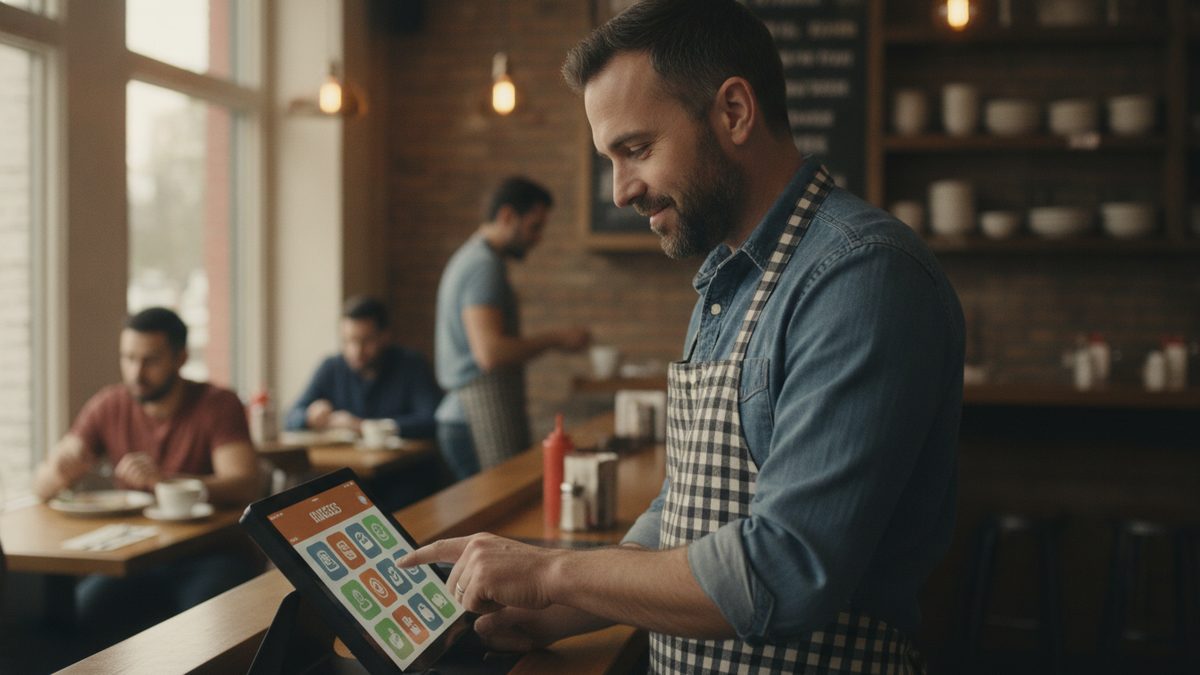
A restaurant POS (point of sale) system is the software and hardware that takes orders, sends them to the kitchen, accepts payment and records every sale. Think of it as the cash register plus the order book plus your bookkeeper's first draft, all in one. Every dollar that moves through your restaurant touches it, which is why it also becomes your best source of data on what sells, who works well together and where money leaks.
How a POS works, step by step
Here is what happens from the moment a guest orders to the moment you review the numbers.
- Order entry. A server or cashier taps items on a terminal, handheld or kiosk, or the guest orders online. Modifiers like "no onions" or "medium rare" are attached to each item.
- Kitchen routing. The order prints on a ticket printer or appears on a kitchen display system, sorted by station so the grill sees only grill items.
- Payment. The guest pays by card, tap, phone wallet or cash. A card reader sends the payment to a processor, which approves it and deposits funds in your bank, usually within one to two business days.
- Recording. The sale, tip, tax and discounts are stored against the server, table and time.
- Reporting. At close, the system totals sales, tenders and tips so you can reconcile the drawer and review the day.
What is inside a modern POS
Older systems were a terminal and a printer. Today a restaurant POS usually bundles several tools, and the difference between a basic and a strong system is how many of these are included versus billed separately.
| Component | What it does | Why it matters |
|---|---|---|
| Order and table management | Floor plan, seat numbers, split checks | Faster service, fewer errors |
| Payments | Cards, tap, wallets, tip prompts | Fees are your biggest ongoing POS cost |
| Menu management | Items, modifiers, prices, 86ing | Change a price once, everywhere |
| Online ordering | Website and app orders flow straight in | Avoids retyping and delivery-app commissions |
| Reporting | Sales by item, hour, server and category | Drives pricing and scheduling decisions |
| Inventory and labor | Ingredient depletion, clock-in, schedules | Connects sales to costs |
| Loyalty and marketing | Rewards, guest profiles, texts | Brings regulars back |
Cloud POS vs. legacy POS
Legacy systems store data on a server in your back office and often require a technician for updates. Cloud systems store data online, update automatically and let you check sales from your phone. Most new restaurants choose cloud, but make sure the system can keep taking orders if the internet drops. We compare the two in cloud vs. legacy POS systems, and how to keep taking orders when your internet goes down covers the backup plan.
A POS is not just a way to ring up sales. It is the system that tells you what to cook, whom to schedule and which prices to change.
What a restaurant POS really costs
Pricing has three parts: software (monthly), hardware (one-time or leased) and payment processing (a percentage of every card sale). Many vendors advertise a low software price and recover the money through add-on modules and processing markups. A well-known name can run around $470 a month once you add online ordering, payroll and marketing, on top of processing. Add up the full monthly bill before you compare, and use how to reduce POS and payment processing costs to catch hidden fees. If your processing is high, see how to reduce credit card processing fees.
What to look for when you choose one
- Everything in one place. Ordering, payments, scheduling and reporting should share one login and one set of data.
- No long contract. Month-to-month beats three-year lock-ins.
- Commission-free online ordering. Delivery marketplaces can take 15-30% of an order.
- Offline mode. Orders and payments should survive a Wi-Fi outage.
- Easy training. A new server should be comfortable in one shift. See how to train staff on a new POS.
- Useful reports. You should see food cost, labor and best-sellers without exporting to a spreadsheet.
Our full checklist is in how to choose a restaurant POS system.
A free option worth a look
Cobblestone POS is a free, all-in-one POS built for independent restaurants. It covers ordering, payments, commission-free online ordering, scheduling, loyalty and reporting with no monthly fee, plus an AI assistant called Daisy that answers questions about your numbers. If you are paying hundreds a month for software that does less, it is worth running the comparison.
Quick takeaways
- A POS takes orders, routes them to the kitchen, collects payment and records the data.
- Judge it on total monthly cost, not the headline software price.
- Insist on offline mode, online ordering and reporting built in.
- Your sales data is the real prize; use it every week.